Check This Out app icon

A photo map that never shows your front door

Photos, never live location.

Putting your photos on a map should never put your home on a map. In Check This Out, everything others see is rounded on purpose, and nothing is live.

01 · Privacy

Rounded on purpose

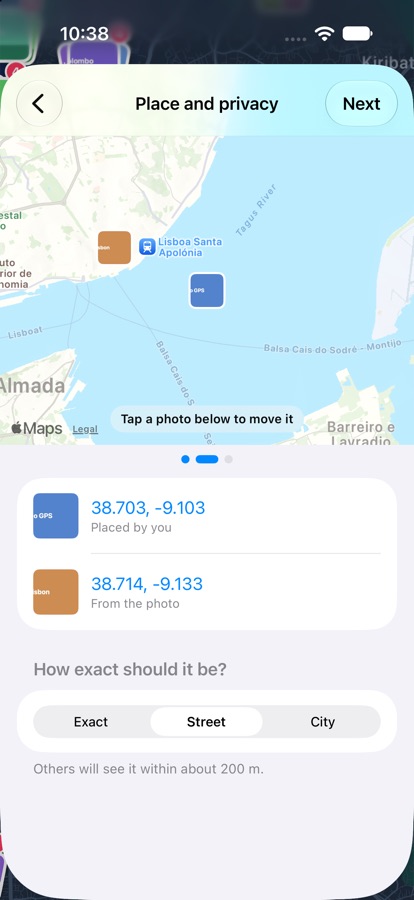
By default a photo shows at street level, about 200 metres away from the exact spot. You can choose Exact or City for each photo. Around home there is a 500 metre zone that always rounds to City, so your front door never ends up on a map.

And nothing is live. The map shows where a photo was taken, never where you are now.
02 · Adding

Privacy is a step, not a setting

Privacy is built into the add flow, so you never have to hunt for it. Adding a photo by hand takes three steps: pick it, place it and choose privacy, then add a caption and audience. If a photo has no location, you move the map under a pin to place it yourself.

The place and privacy step