
Check This Out app icon

Me, then Friends, then Everyone

The map on your phone works today. Here is what opens next.

Check This Out starts with a personal world map of your photos first, friends next, and a public map of everyone's photos last.

01 · Roadmap

One switch, three layers

The top bar holds search, a time filter and a Me / Friends / Everyone switch. Each layer opens only when the one before it is ready:

  • Me: your own map, stored on your phone. This part works today.
  • Friends: sign in, share with friends, see their maps, and add friend widgets plus an activity tab.
  • Everyone: a public map of photos from everywhere, opened last.
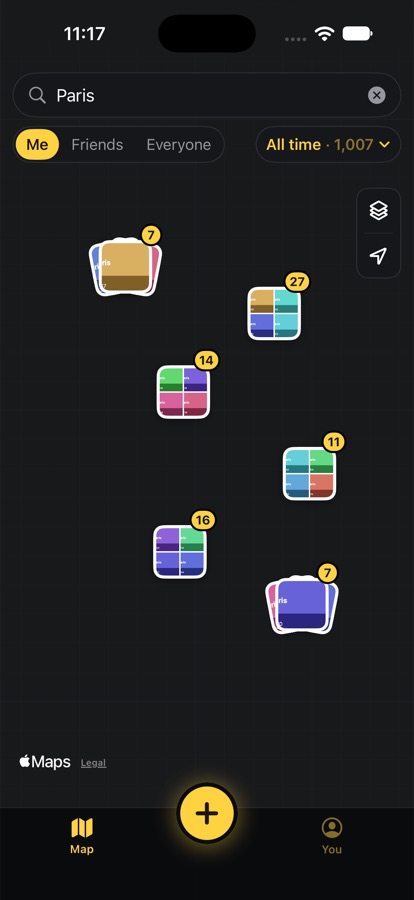
Map with the Me, Friends and Everyone switch
02 · Profile

The You page

Your profile opens with the numbers worth bragging about: countries, cities, photos, and how much of the world you have seen. Below that is a visited map, a year filter and a list of countries. Navigation stays simple, with a tab bar of Map, a big plus to add, and You.