01 · What it is
A map of pictures instead of a long grid
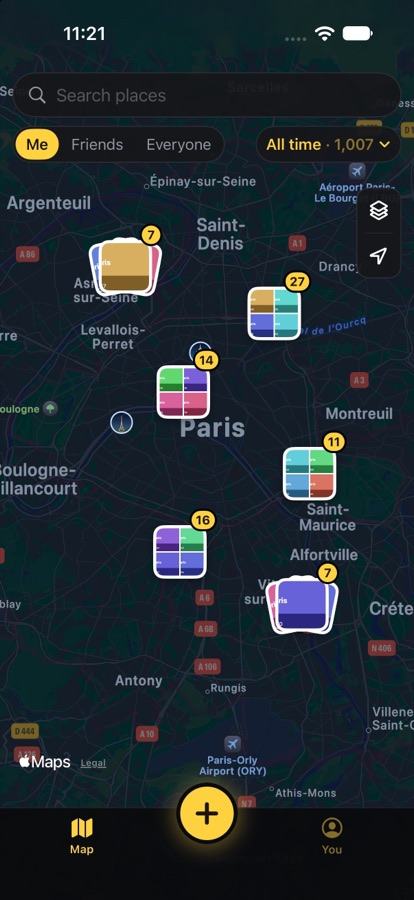
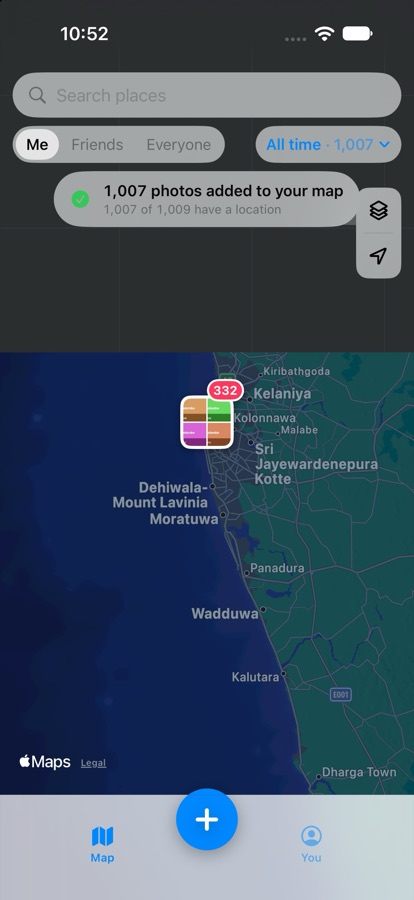
Most of us have thousands of photos and find a trip by scrolling a grid until our thumb gets tired. Yet most of those photos already carry the place where they were taken. Check This Out uses that. The map is the home screen, and you never type a place name: the photos bring their own.
Getting started takes three short intro cards and one tap to allow photo access. Then the map starts filling itself. It opens where most of your photos are, and after that wherever you left it.
02 · Who it is for
Anyone whose photos have been somewhere
It is for the traveller who wants to say "look how much of the world I have seen" and the person who has never left their city but has photographed every corner of it. Your profile, the You page, opens with the numbers worth bragging about: countries, cities, photos, and how much of the world you have seen. Below that sit a visited map, a year filter and a list of countries.
03 · How it feels
A map that feels alive
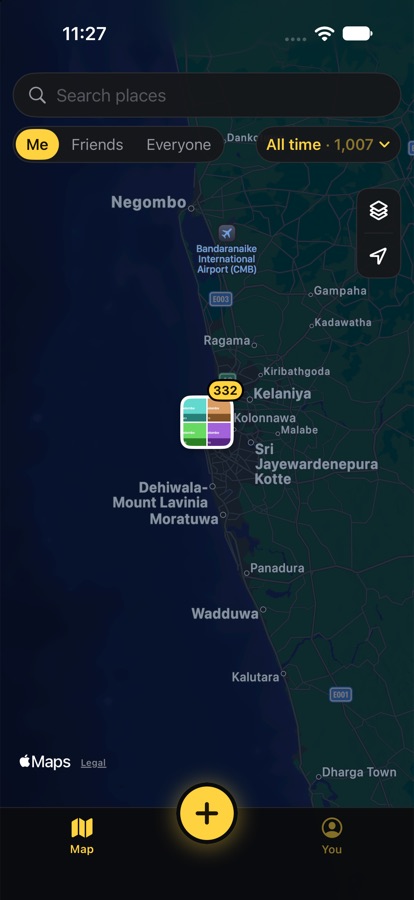
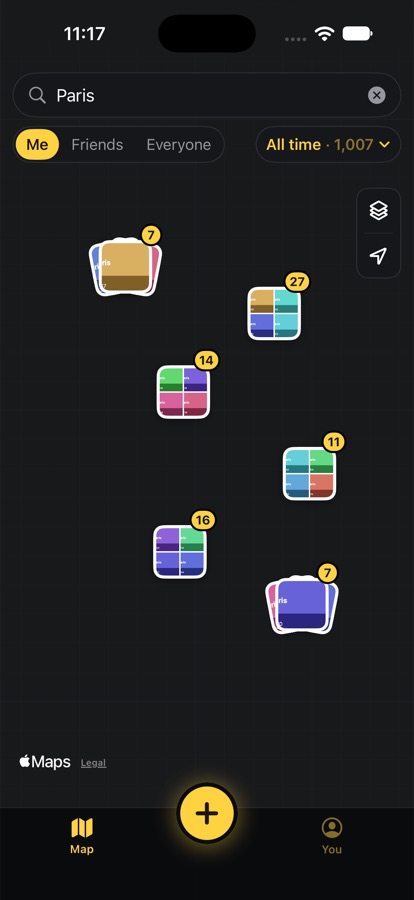
Zoom in and single photos pop out as small framed pins. Zoom out, and when more than ten photos sit close together they merge into one collage tile the size of a photo. Keep zooming out and the collages merge again, so a whole country can fit in one tile.
The map is dark by default, with a switch to Satellite or Standard. Take a new photo and the map glides to its place as it pops in. Tap a pin and a half-height sheet opens: drag it up for the full photo, or swipe through the other photos taken at the same spot. Navigation stays simple, with a tab bar of Map, a big plus to add, and You.
04 · What makes it different
A photo map that never shows your front door
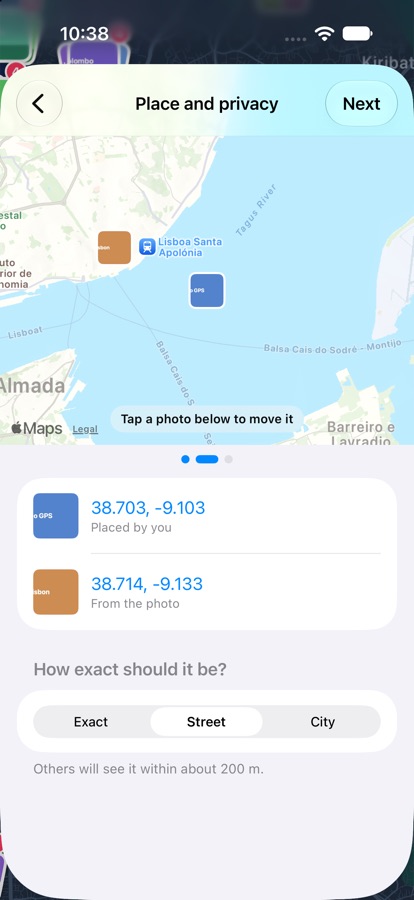
Putting your photos on a map should never put your home on a map. By default a photo shows at street level, about 200 metres from the exact spot. You can choose Exact or City for each photo, and around home there is a 500 metre zone that always rounds to City.
Nothing is live, either. The map shows where a photo was taken, never where you are now. Privacy is a step in adding a photo, not a setting you have to hunt for: pick it, place it and choose privacy, then add a caption and an audience. If a photo has no location, you move the map under a pin to place it yourself.
05 · Where it stands
The personal map works today
Check This Out is a native iPhone app in SwiftUI and MapKit for iOS 17 and later, with pins stored on the phone in SwiftData. Fourteen milestones are done and 25 tests pass, and it runs in the simulator: intro, import, map styles, stacks and collages, live arrivals, the detail sheet, the add flow, rounding and the home zone, and the You page.
A switch at the top reads Me, Friends and Everyone, and each layer opens only when the one before it is ready. Me, your own map on your phone, works today. Friends comes next, with sharing through Apple's CloudKit. Everyone, a public map of photos from everywhere, comes last. Lined up after that are the things people will want to post: a first-import reveal, a 15-second globe video, a passport and scratch map, a year slider that asks where you were in 2016, and a city view that tells you how much of it you have explored.
14Milestones done
25Tests passing
3Map styles
Get a note when Check This Out launches