Any drive, any folder
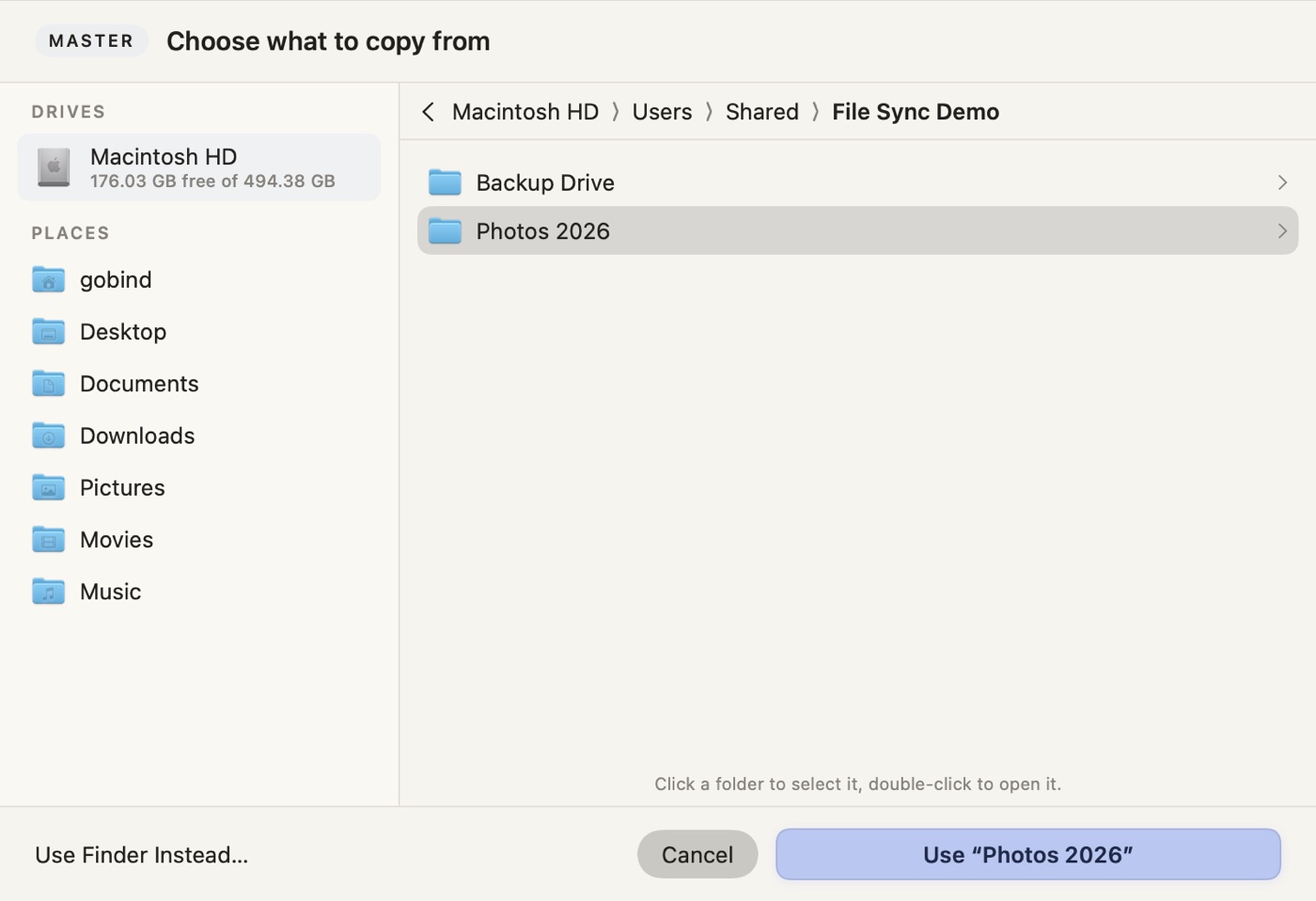
Click a card and the picker opens. Plugged-in drives sit on the left with their free space, beside your usual places. Click a drive to use all of it, or open folders on the right. The big button spells out what you will get, such as Use "Photos 2026", so there is no guessing. Or just drop a folder in from Finder.
The app remembers your last folders. Unplug a drive and its card says so; plug it back in and the folder returns, ready for the next sync.