Pager puts your closest people on your Home Screen
Page your favourite people with a single tap.
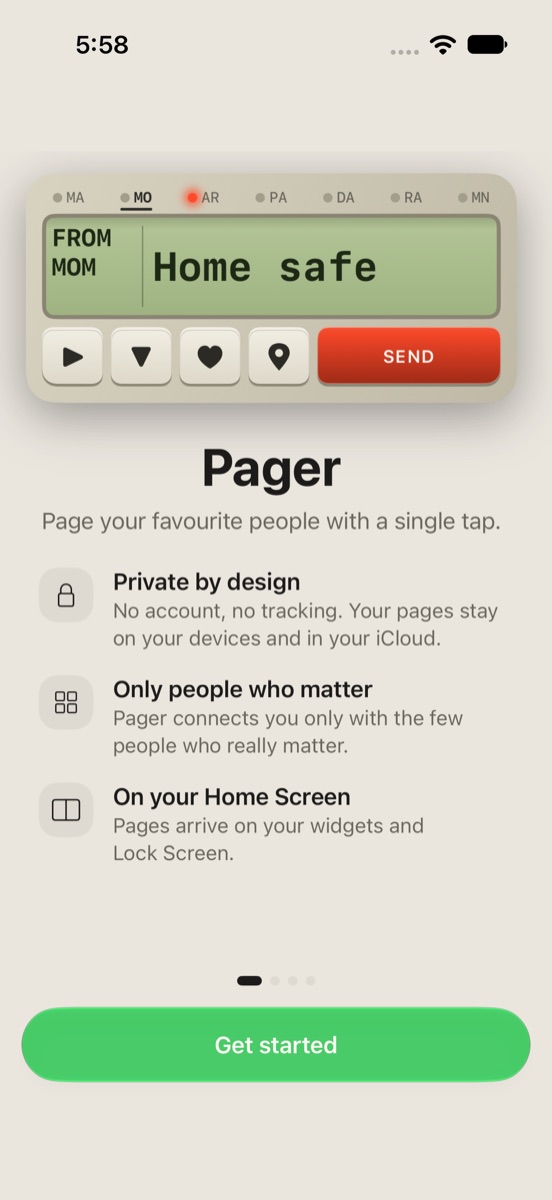
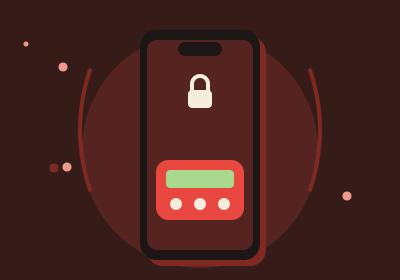
Some messages do not need a conversation. Home safe. On my way. Thinking of you. Pager is an iPhone app that sends exactly those, from the Lock Screen or a widget, to the handful of people who matter most: glance, Face ID, tap, and it is sent, with no app to open. It joins the Studio once it is on the App Store.
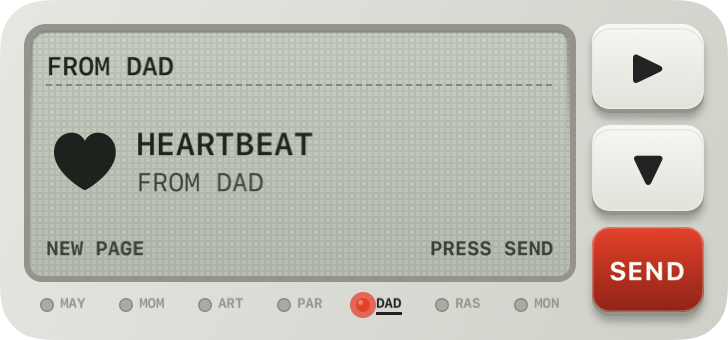
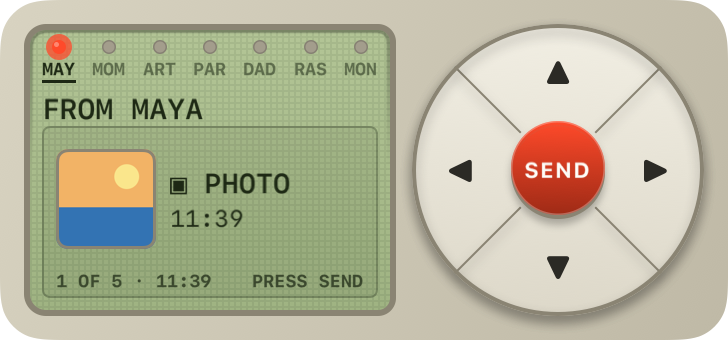
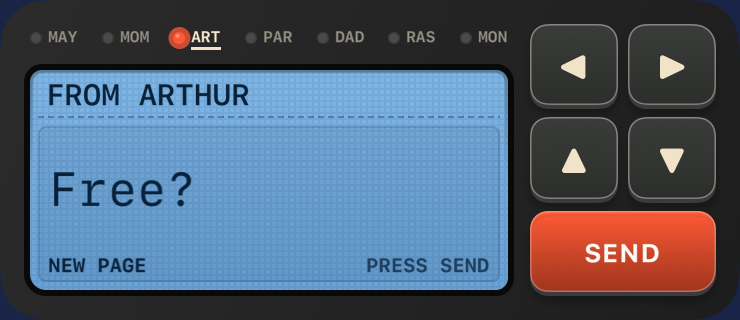
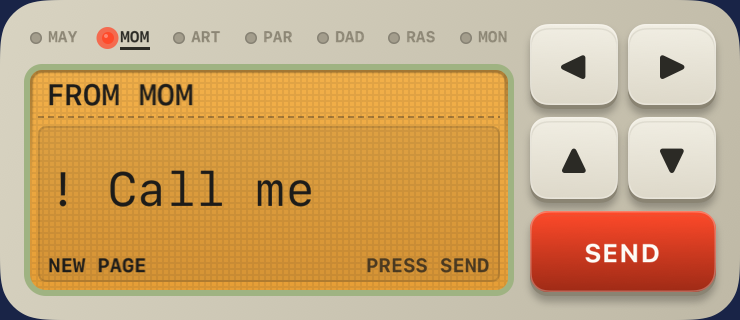
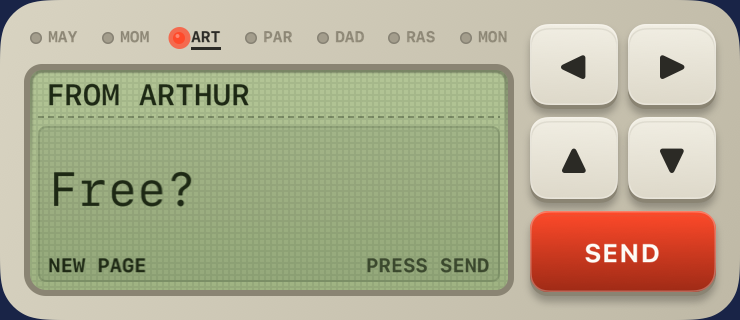
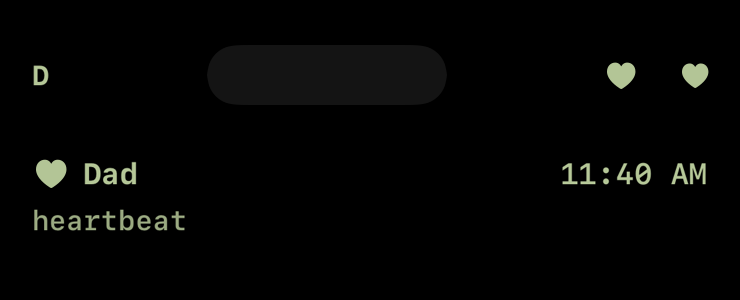
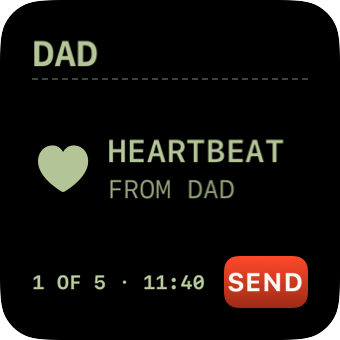
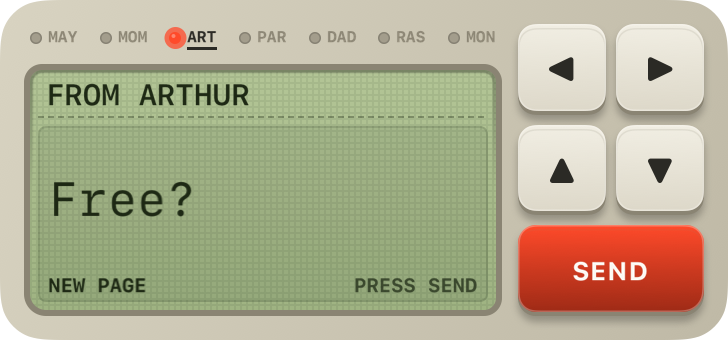
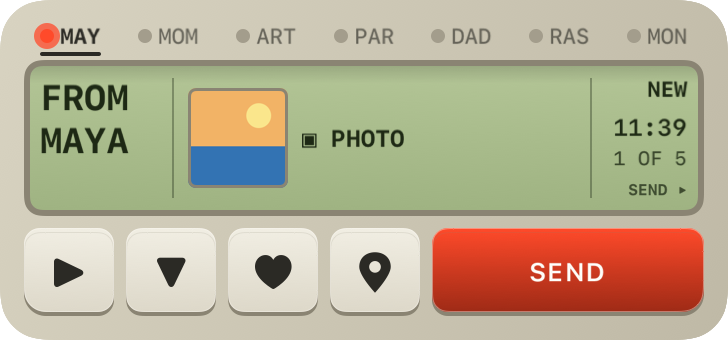
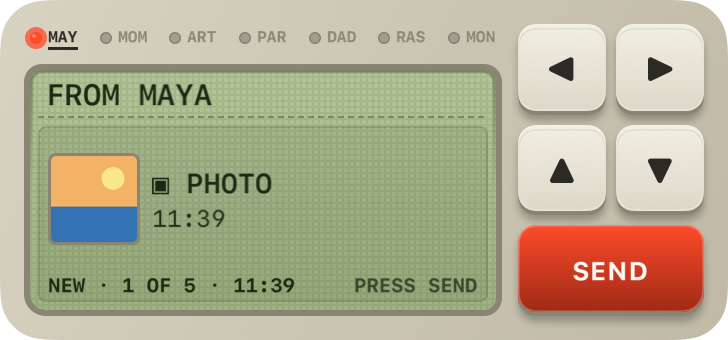
A photo on Classic SlimClassic PadA heartbeat on Three ButtonD-PadDark body, blue screenAn urgent pageOn the Lock Screen
Set it up once and it lives everywhere: the Home Screen, the Lock Screen, the Dynamic Island and StandBy at night. The app stays small on purpose: three pages, Profile, Pager and Settings.
WelcomeDynamic IslandStandBy
01 · What it is
A 90s pager, rebuilt for the iPhone
The widget is the heart of Pager. It looks like an LCD screen, with your friends' initials in lights and keys big enough for a thumb. Tap a friend, pick a message and tap SEND. On the Lock Screen it takes a glance and Face ID. No tap on a widget opens the app, and you never scroll a thread.
A page is short on purpose: up to 40 characters, and the widget shows the first 20. Tap the page to step through quick replies, and one red key does the sending. It always reads SEND, whatever arrives: pick a reply, tap SEND, and that reply answers the page.
Check-ins carry a small dark map of where you are, so "I'm here" needs no words at all. Heartbeats, check-ins and urgent pages show as their own cards, and photos show large in the app and as a small picture on the widget.
02 · Who it is for
A handful of people, not a contact list
Pager is for the people you would actually want to hear from at two in the morning. A partner, a parent, a sibling, the friend you always text first. It is not built for hundreds of contacts, and it does not try to be.
Pager Pro is free, with no ads and no limit on how many people you add. Ultra is a one-time $2.99 unlock that adds Broadcast and Groups. You only receive pages from people you have accepted, and you invite friends by link, QR code or @username.
03 · How it feels
Calm until it matters
You set it up once and it lives everywhere. Setup is a few swipes, with one live green Classic Pad you can press on the way. Later, the Profile page lets you pick a layout, a screen colour and a light or dark body from rows of thumbnails, and Apply sends that look to the widget and the Lock Screen. From then on Pager is on the Home Screen, the Lock Screen, the Dynamic Island and StandBy at night.
Red means someone needs you. When a page lands, a soft red glow shows on the widget and the Lock Screen, and it clears the moment you answer. An urgent page also turns the Lock Screen pager orange until you have seen it. The Dynamic Island stays empty, except when a friend checks in, sends a heartbeat or sends an urgent page, and each has its own switch in Settings. Pager has its own StandBy widget, and at night on a charger it turns red and dim, like a bedside clock.
The app itself stays small: three pages, Profile on the left, Pager in the middle and Settings on the right, in System, Light or Dark. The Pager page looks like Messages, in Liquid Glass: your chats in a list, and in each chat glass pills for a check-in, a heartbeat or an urgent page.
04 · What makes it different
Private, and yours to dress
Most messaging apps keep your words on their servers. Pages are designed to travel through Apple's iCloud, locked end to end so only you and your friend can read them. Pager has no servers and never sees your messages. Made exclusively for the Apple ecosystem. How Pager keeps your pages private. There is no email login: you are your iCloud account plus a @username. Delete the app and everything it stored on your phone goes with it.
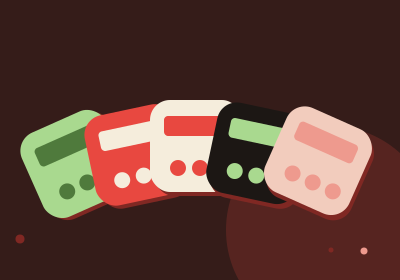
It also lets you choose how it looks. One Pager widget comes in four layouts, Classic Pad, Classic Slim, D-Pad and Three Button, with a green, blue, orange or grey screen and a light or dark body. New installs start as Classic Pad in green, and the look you apply reaches the widget and the Lock Screen, so your Home Screen stays yours.
05 · Where it stands
Running on a real iPhone, with the App Store next
Pager is a native app for iOS 26: the app, one Pager widget in four layouts and a StandBy widget whose keys work right on the Home Screen, the Lock Screen and StandBy, a notification extension, the Lock Screen pager as a Live Activity and an App Clip for invites. Messages sync through CloudKit in each person's own iCloud. It runs on a real iPhone now, with more than 240 unit and snapshot tests, 22 UI tests and zero warnings. TestFlight and the App Store come next.